
Cilium L2 Announcements
Use urls instead of IPs and port numbers on your home cluster. With Cilium L2 Announcements we will be able to describe the routes we want to serve with the Kubernetes gatewayAPI and automatically have those routes available via url on our local network.
# Update cilium to enable l2announcements
cilium upgrade --version 1.20.0 \
    --reuse-values \
    --set gatewayAPI.enabled=true \
    --set l2announcements.enabled=true \
Install gatewayAPI CRDs if you do not already have them.
# GatewayAPI Standard channel
kubectl apply --server-side -f https://github.com/kubernetes-sigs/gateway-api/releases/download/v1.6.1/standard-install.yaml
Configure your Home Network
Reserve a group of IP addresses on your local network by limiting the range of addresses the DHCP server assigns. Choose one of your reserved IPs to be for the load balancer. I'm going to use 10.0.5.210.
An important detail of this setup is that you have a DNS server and have it configured for your local clients. I configured the DNS server on my router to resolve "*.khome.internal" to the load balancer IP, 10.0.5.210.
Set up the Load Balancer
apiVersion: "cilium.io/v2"
kind: CiliumLoadBalancerIPPool
metadata:
  name: "home-pool"
spec:
  blocks:
  - cidr: "10.0.5.210/32"
apiVersion: cilium.io/v2alpha1
kind: CiliumL2AnnouncementPolicy
metadata:
name: lb-announce-policy
spec:
serviceSelector:
matchLabels:
announce: true
interfaces:
- ^e[n,t][h,p,x][0-9]+
externalIPs: true
loadBalancerIPs: trueSet up the Gateway
apiVersion: gateway.networking.k8s.io/v1
kind: Gateway
metadata:
  name: khome-gateway
  namespace: default
spec:
  gatewayClassName: cilium
  listeners:
  - name: http-khome-wildcard
    hostname: "*.khome.internal"
    protocol: HTTP
    port: 80
    allowedRoutes:
      namespaces:
        from: All
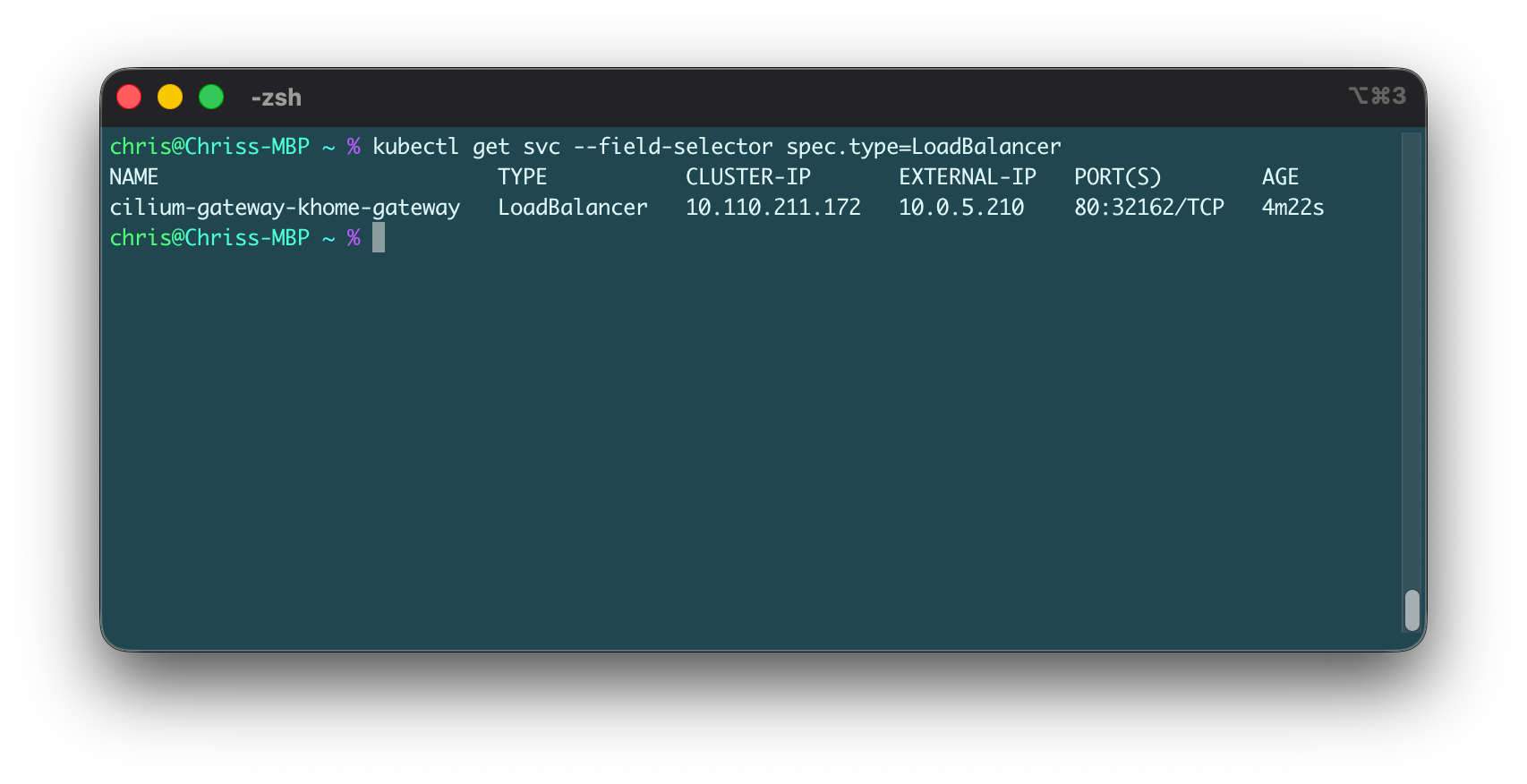
Creating the Gateway should trigger Cilium to create a LoadBalancer service and assign it an IP from our IP pool.
Set Up Routes for Services
For the backendRefs section, refer to a service that exposes your application. Here I'm referencing a ClusterIP service for Grafana that uses port 3000.
apiVersion: gateway.networking.k8s.io/v1
kind: HTTPRoute
metadata:
  name: grafana
  namespace: matrics-grafana
spec:
  parentRefs:
    - name: khome-gateway
      namespace: default
  hostnames:
    - "grafana.khome.internal"
  rules:
    - backendRefs:
      - name: grafana
        port: 3000
Now you can add more routes for other services you want to expose as subdomains on khome.internal and they should automatically become accessible on the network.